

Description of the main new features of the version.
The complete change log is here: https://pages.whalebooks.com/#version-202503191532
Transaction address
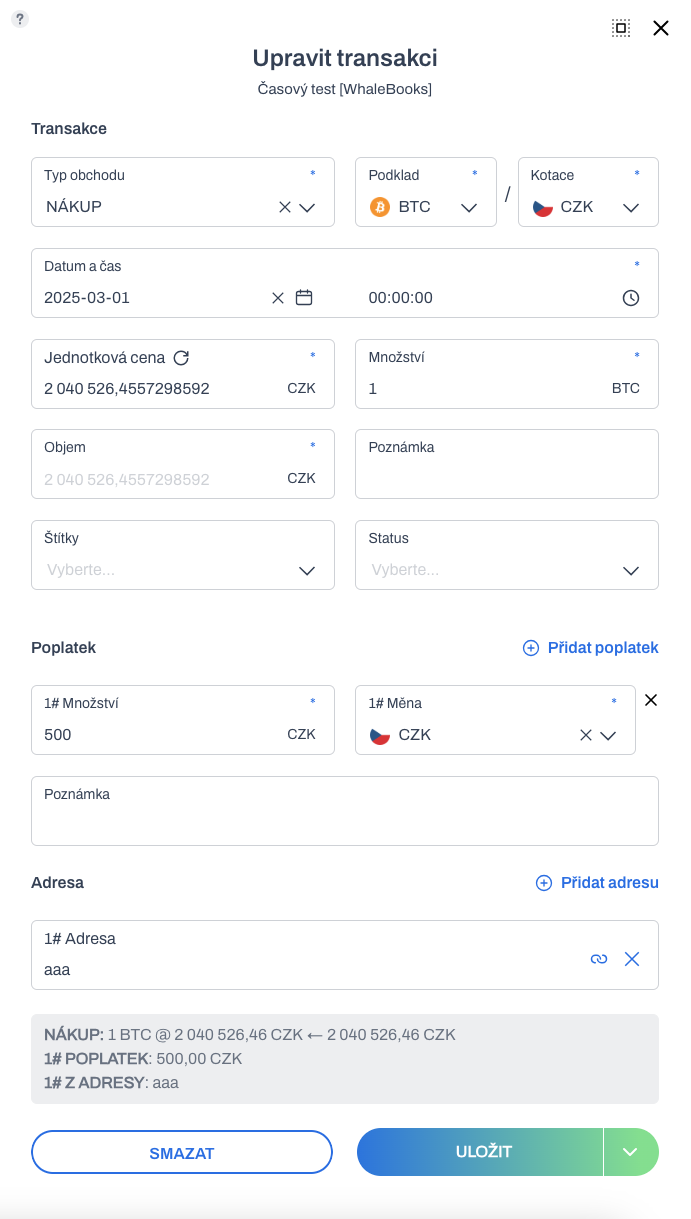
All transaction types now contain an address section (recipient or sender). This way, the address information of the transaction will be preserved when the original DEPOSIT and WITHDRAWAL transactions are converted to other types. Such as different rewards, purchases/sales, or later payments.
The layout of the partitions in the transaction details has also been changed. The address is now in the last position under fees.
Všechny typy transakcí nyní obsahují oddíl Adresa (příjemce nebo odesílatele). Informace o adrese transakce bude díky tomu zachována, pokud dochází ke konverzi původních transakcí DEPOSIT a WITHDRAWAL na jiné typy. Jako například různé odměny, nákupy / prodeje, nebo později platby.
V detailu transakcí také došlo ke změně uspořádání oddílů. Adresa se nově nachází na poslední pozici pod poplatky.
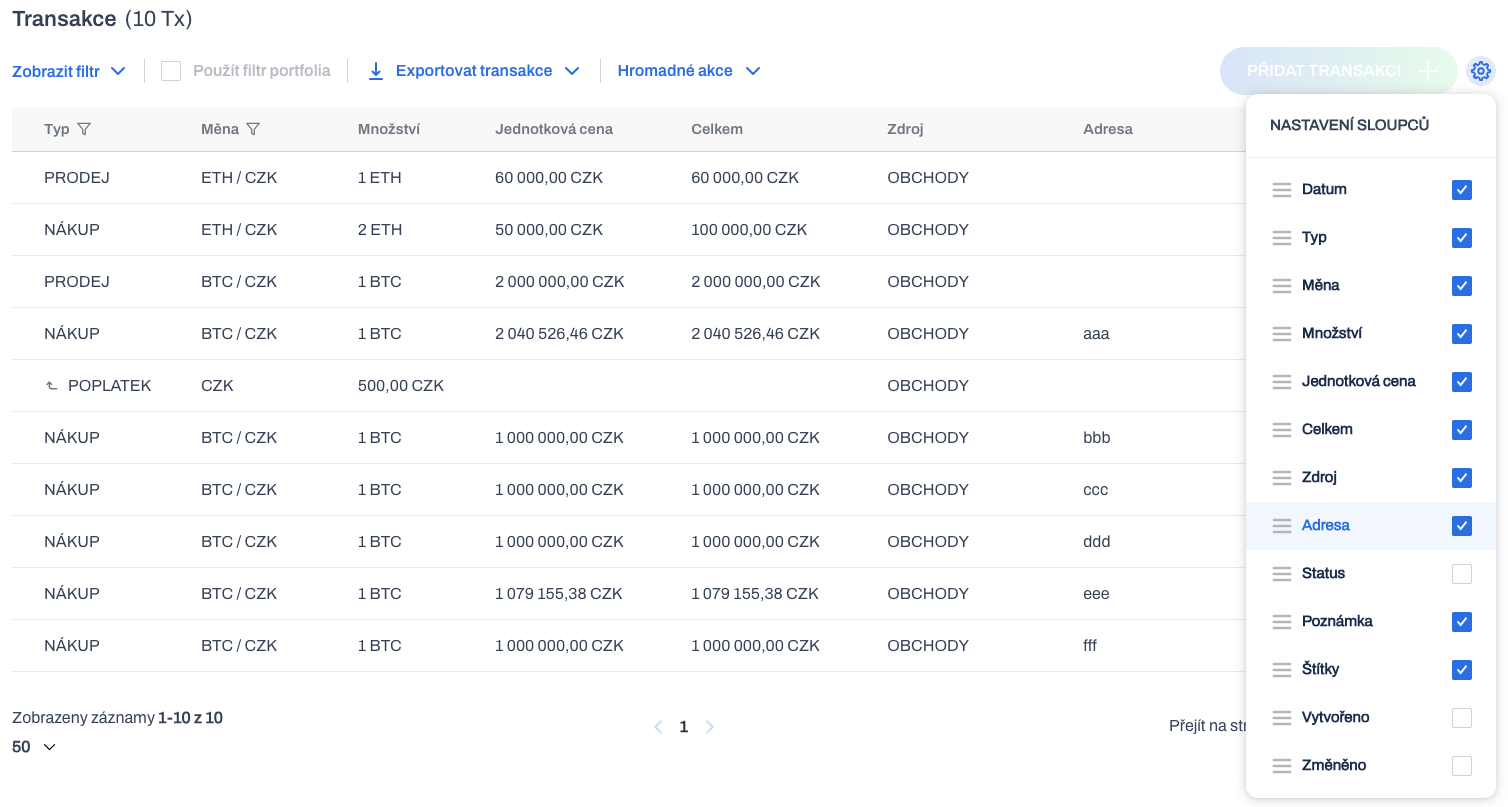
The transaction address can now be displayed on the transaction statement. By default, the Address column is inactive. You can user activate it and use the drag and drop gesture to change the default column location. The column is optionally available not only in transactions but also in buckets.
The transaction address can also be exported within the transaction statement.
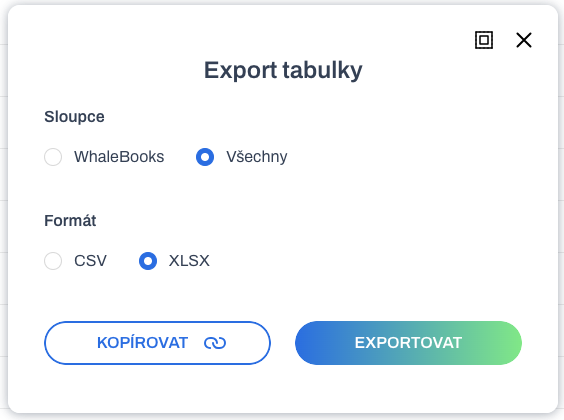
Chart of account
Based on feedback from the accountants, we have added some key options to modify the chart of account settings in a user-friendly and flexible way. So that it provides maximum usability for different approaches.
We assume sufficient competence of the user making the setting changes.
You can access the chart of accounts via Settings / Chart of account.
New main account
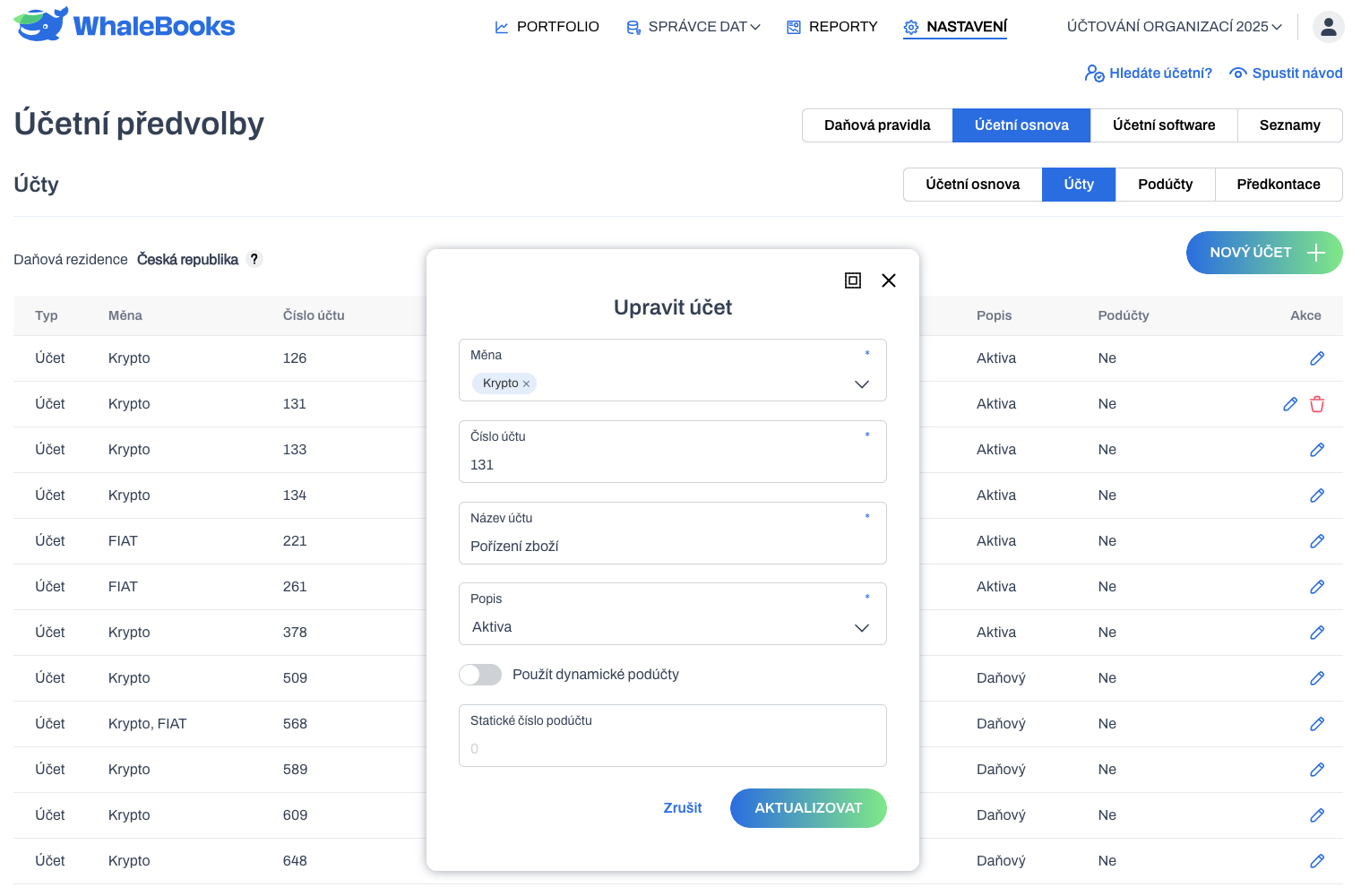
A New Account button has been added to Accounts. The pop-up window allows full editing of account settings.
User created accounts can be completely modified. Unlike the default accounts, which can only be modified by number. A user account can also be deleted. But only on the condition that it is not part of a preconfiguration. In that case, you will be notified with an error message.
Dynamic sub-accounts
The use of sub-accounts to the main accounts was originally set globally on the Chart of Accounts tab. This preference has now been removed and moved to individual settings for each account. The original saved settings have been migrated to the new settings.
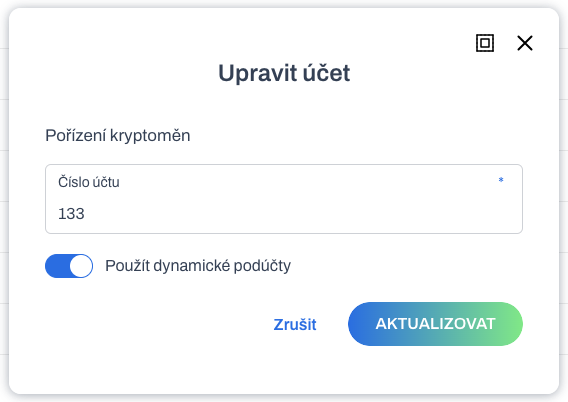
You can decide individually for each master account whether to use dynamic sub-accounts or not. On the Chart of Account tab, you can see both accounts with and without sub-accounts. The original state was the same for all accounts.
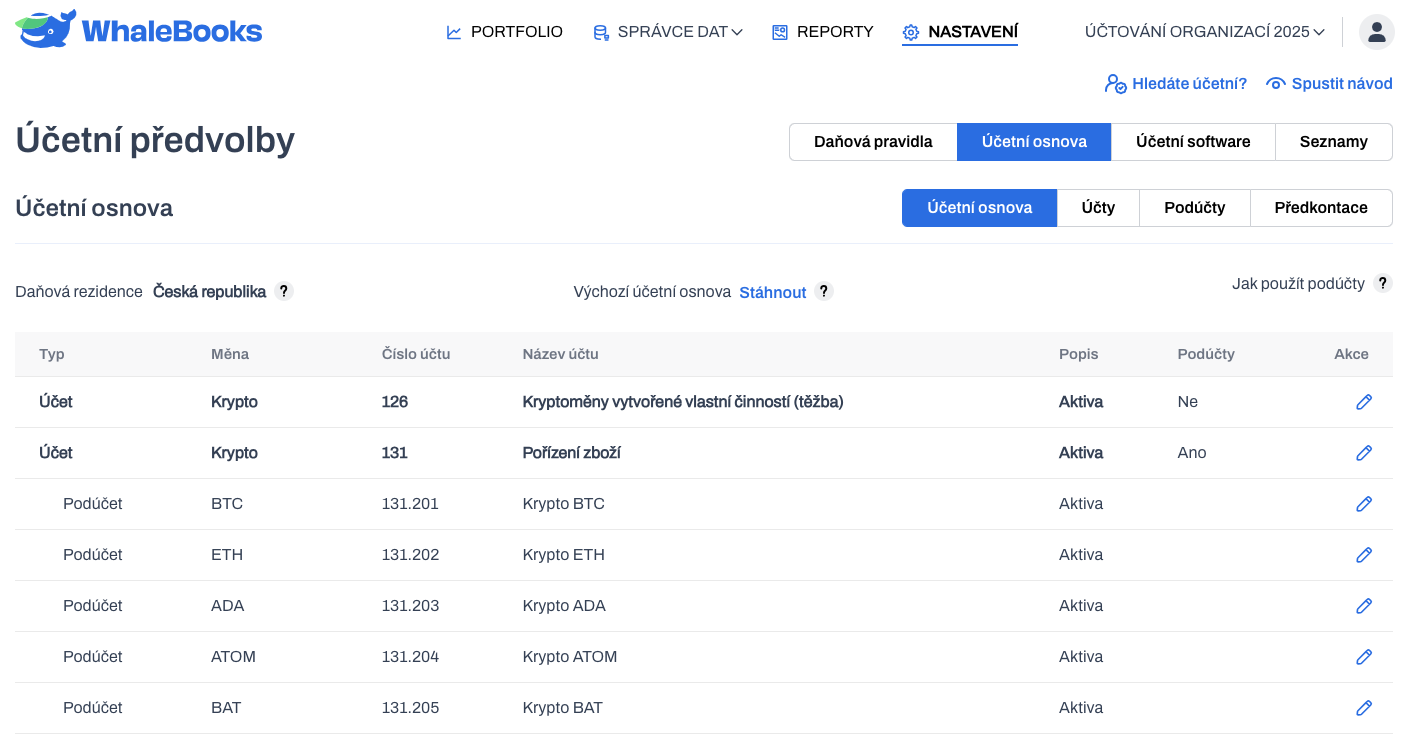
Static sub-account number for the main account
If the master account does not use dynamic sub-accounts, you can statically set the sub-account number. When using dynamic subaccounts, the static subaccount option is not available.
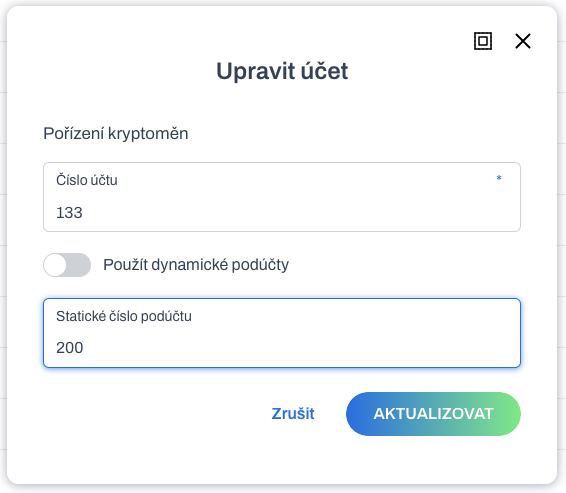
The chart of accounts then shows that the main account has a static sub-account number without the dynamic sub-accounts being activated.
Editing Pre-Accountings
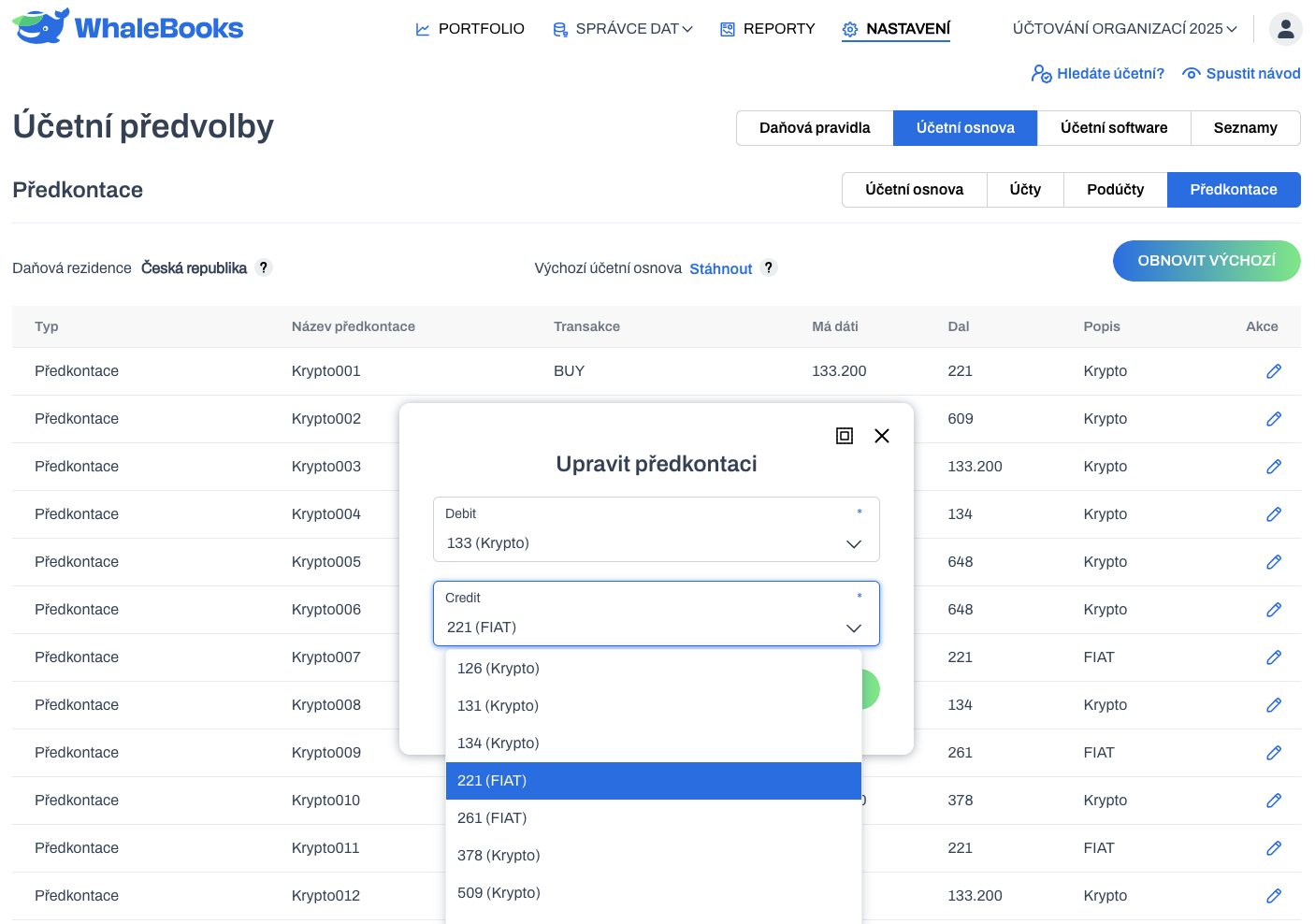
In the pre-accountings you can select account numbers for Does give and Gave. You cannot create preconfigurations, only edit the default settings. The default state of the pre-accountings can be restored in bulk as needed.
Transaction type conversion and tagging using asset accounts
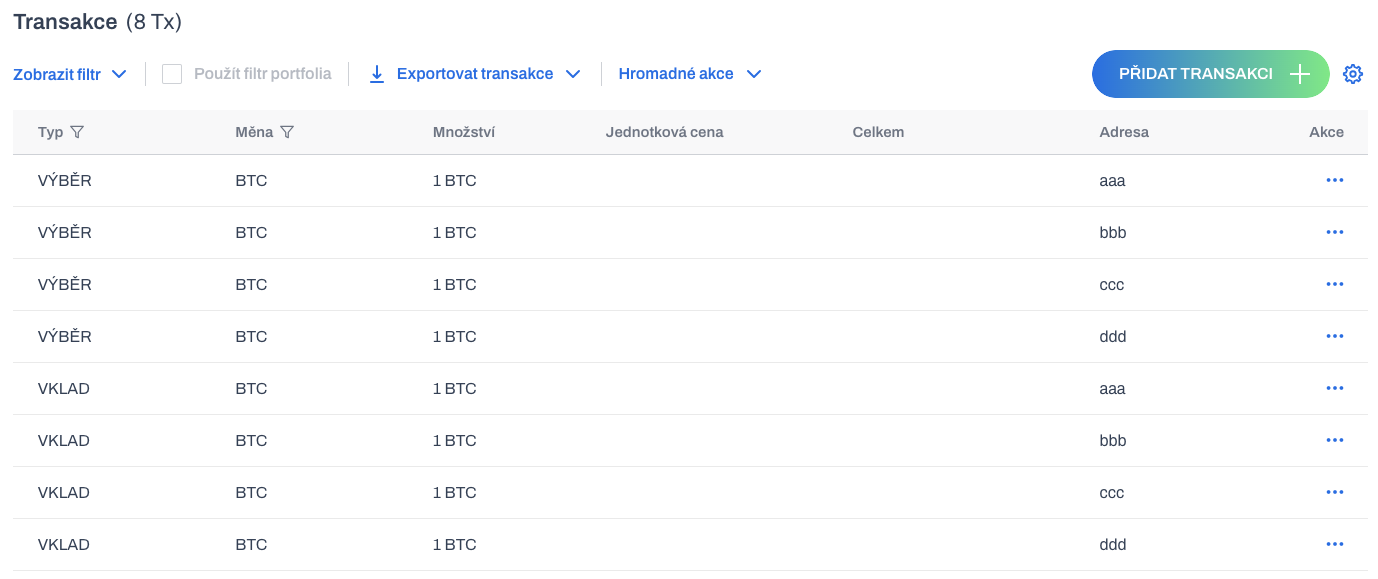
Imagine a situation where you load DEPOSIT and WITHDRAWAL transactions from your wallet. And now you need to either convert them to a different type, such as transfer, reward, payment, ... according to the address, or label them to identify the sender or recipient, for example.
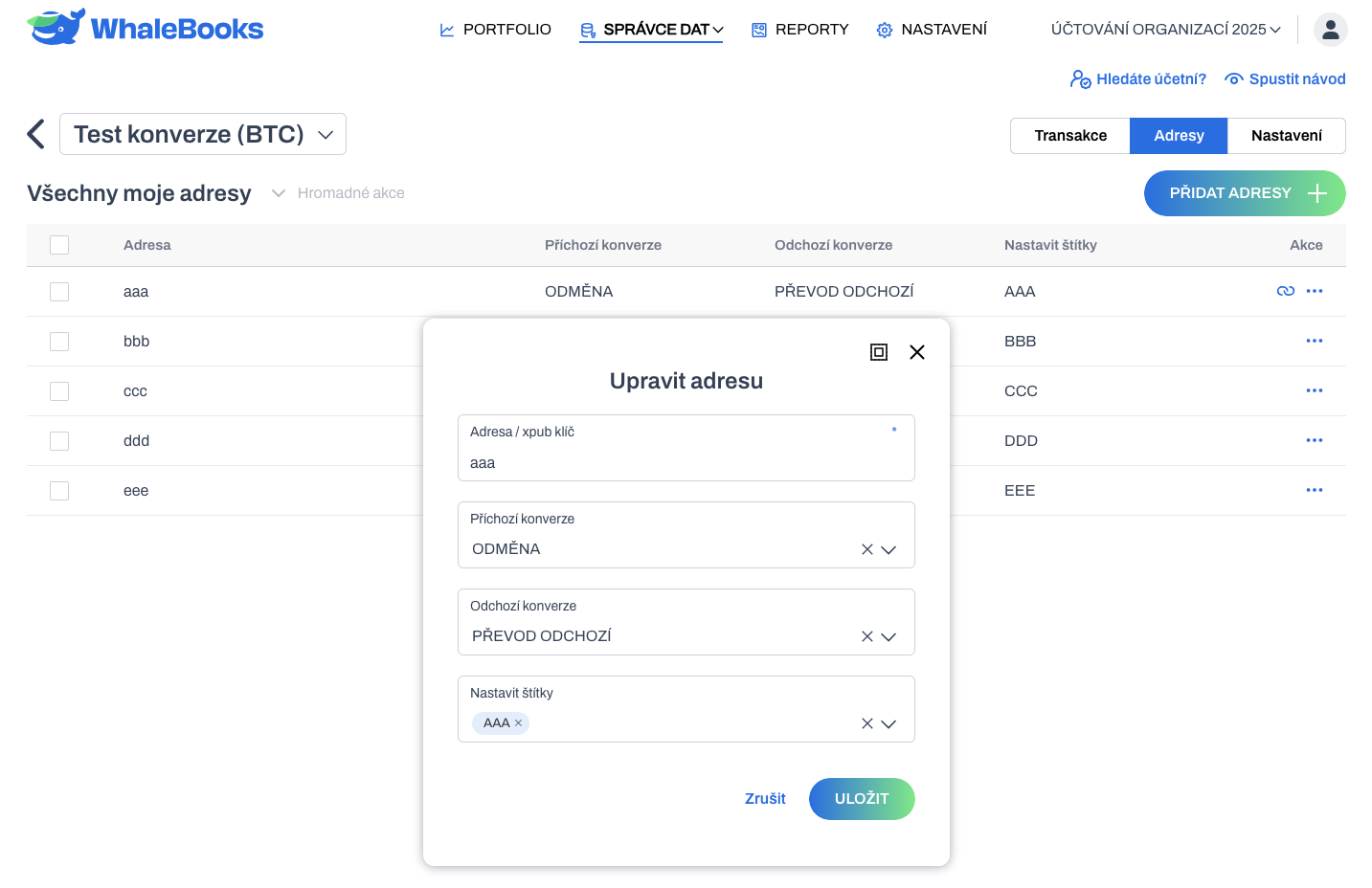
We have extended the functionality of the Addresses tab in the asset account settings. Based on the match between the asset account address in the container and the transaction address, the type of the original transaction can be automatically converted.
The new transaction type can be set separately for DEPOSIT and WITHDRAWAL. Transactions can also be automatically assigned a label based on the address. All preferences are optional.
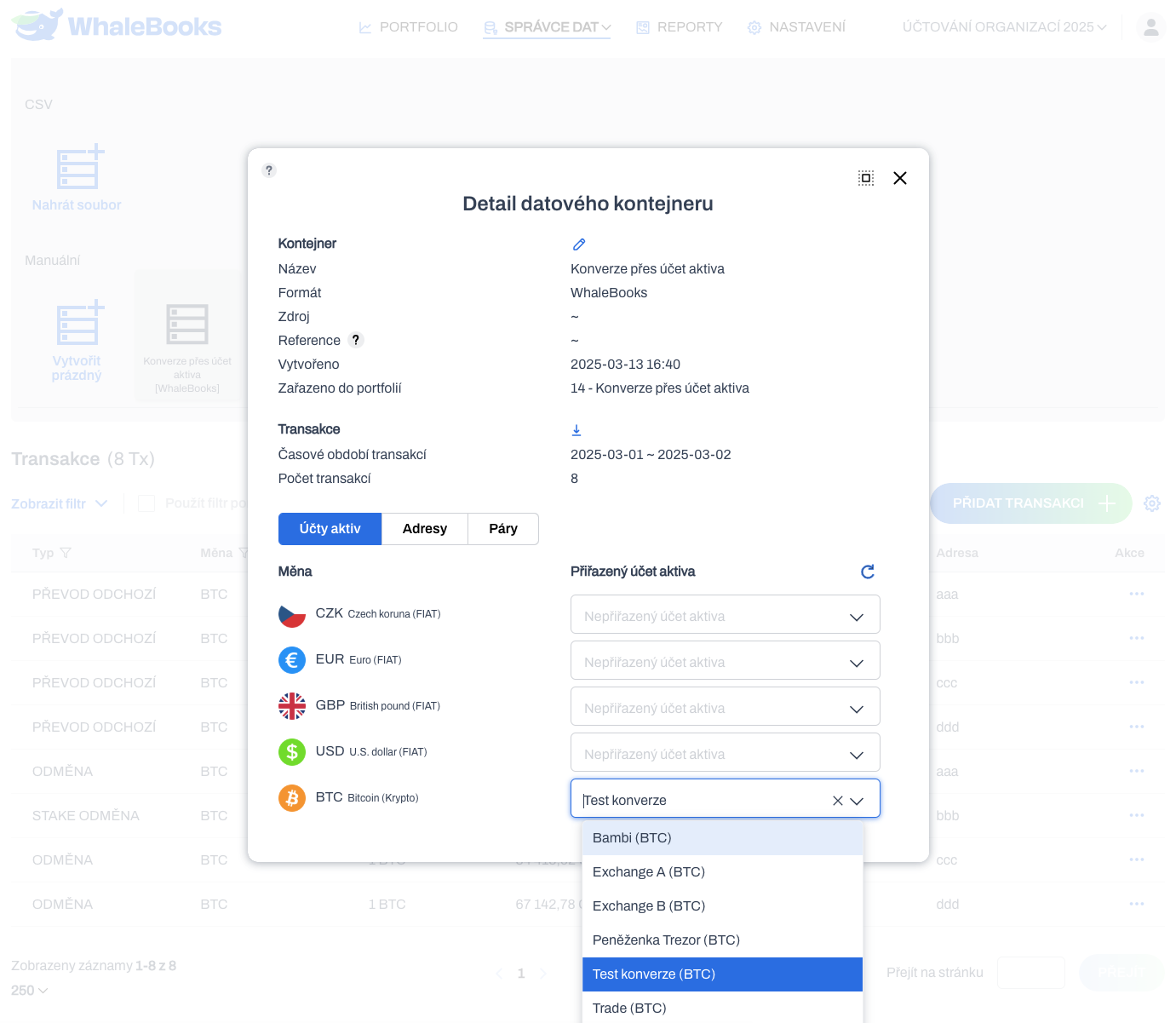
You must set the required asset account to all specific required transaction containers. The conversion will take place immediately afterwards. And it will also take place with new transactions. Typically in an API connector, or in a manual container.
The original DEPOSIT and WITHDRAWAL transactions in the container were automatically converted and tagged according to the definition of the individual asset account addresses.
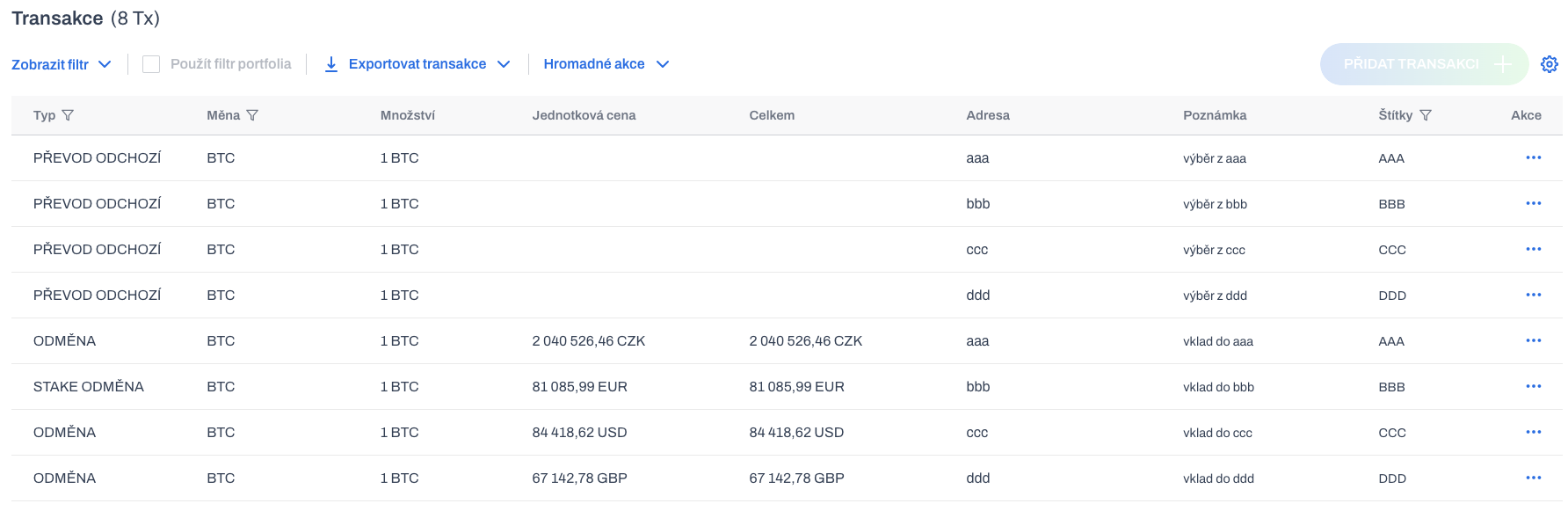
Converted transactions retain their new identity for filtering, exporting and reporting. Thus, it is not possible to revert a converted transaction to its original state. Versioning of the transaction is planned for the future. After that it will be possible to revert to the original state.
