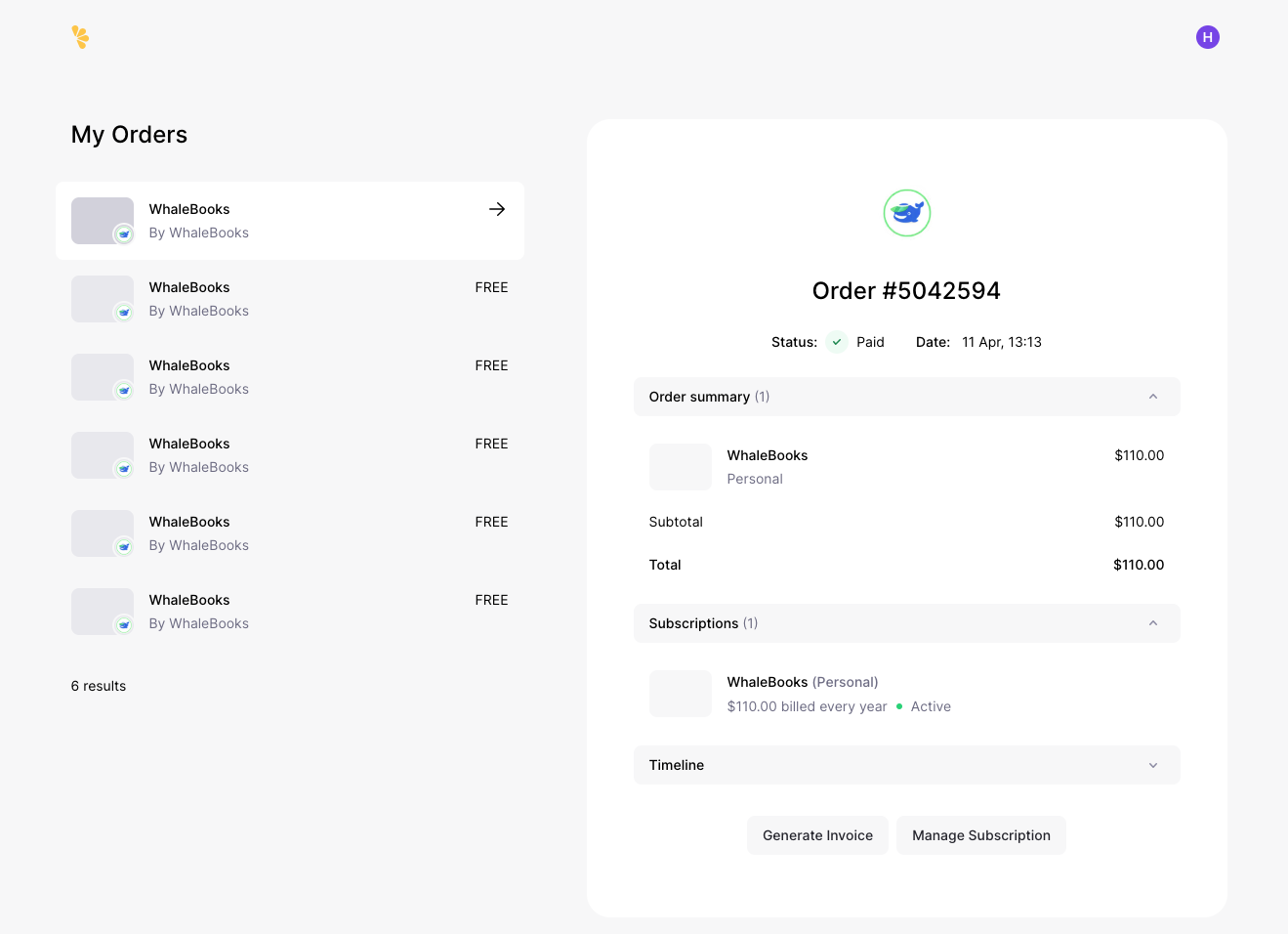
Tax documents are not currently directly available in the WhaleBooks interface. But they are available for download in the third-party app Lemon Squeezy, which we use to manage subscriptions.
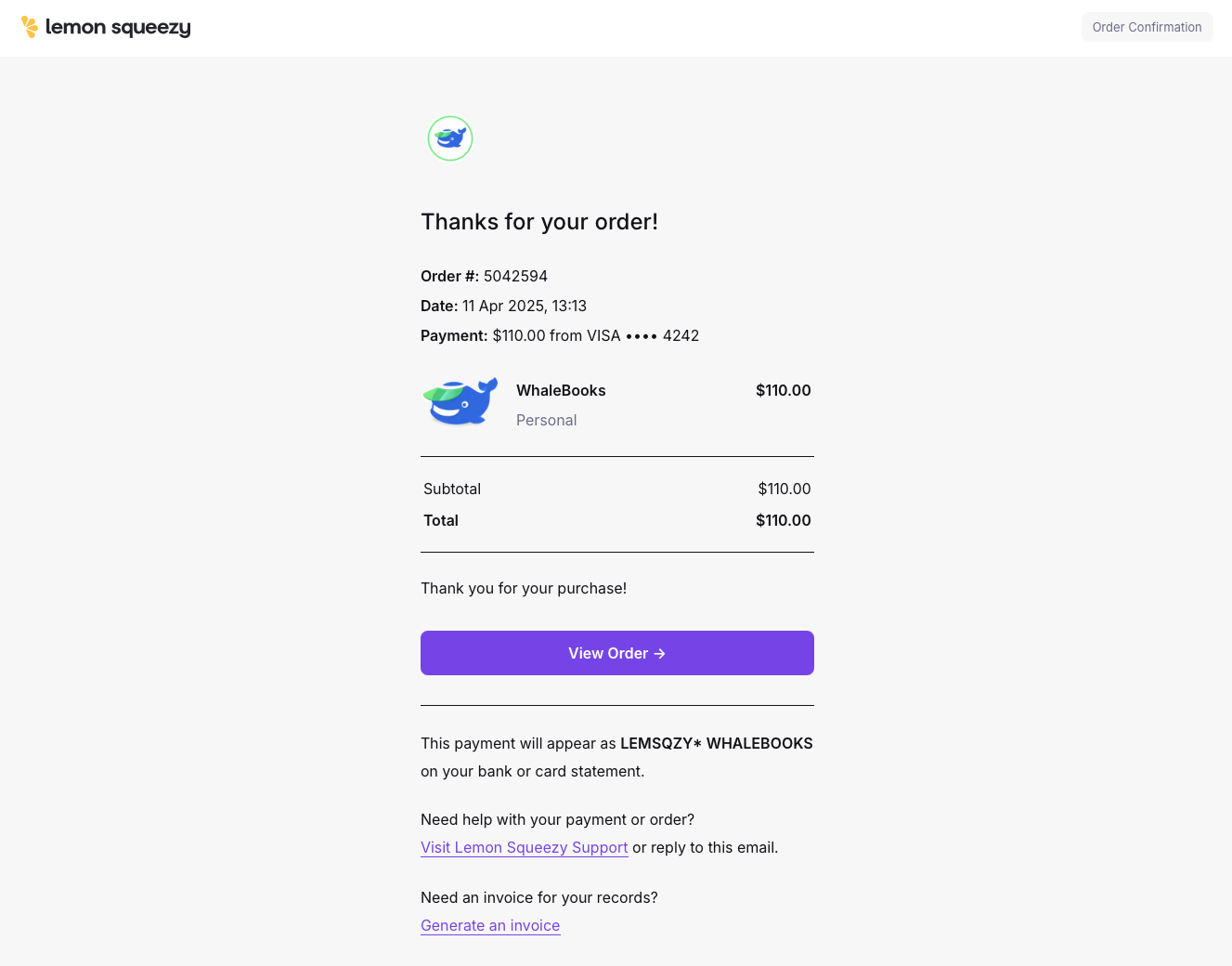
Along with the completion of the order, or with the debit of the payment after the Trial version expires, Lemon Squeezy sends an email confirmation of the payment.
At the end of the email you will find the heading "Need an invoice for you records?" and click on the "Generate an invoice" link below it.
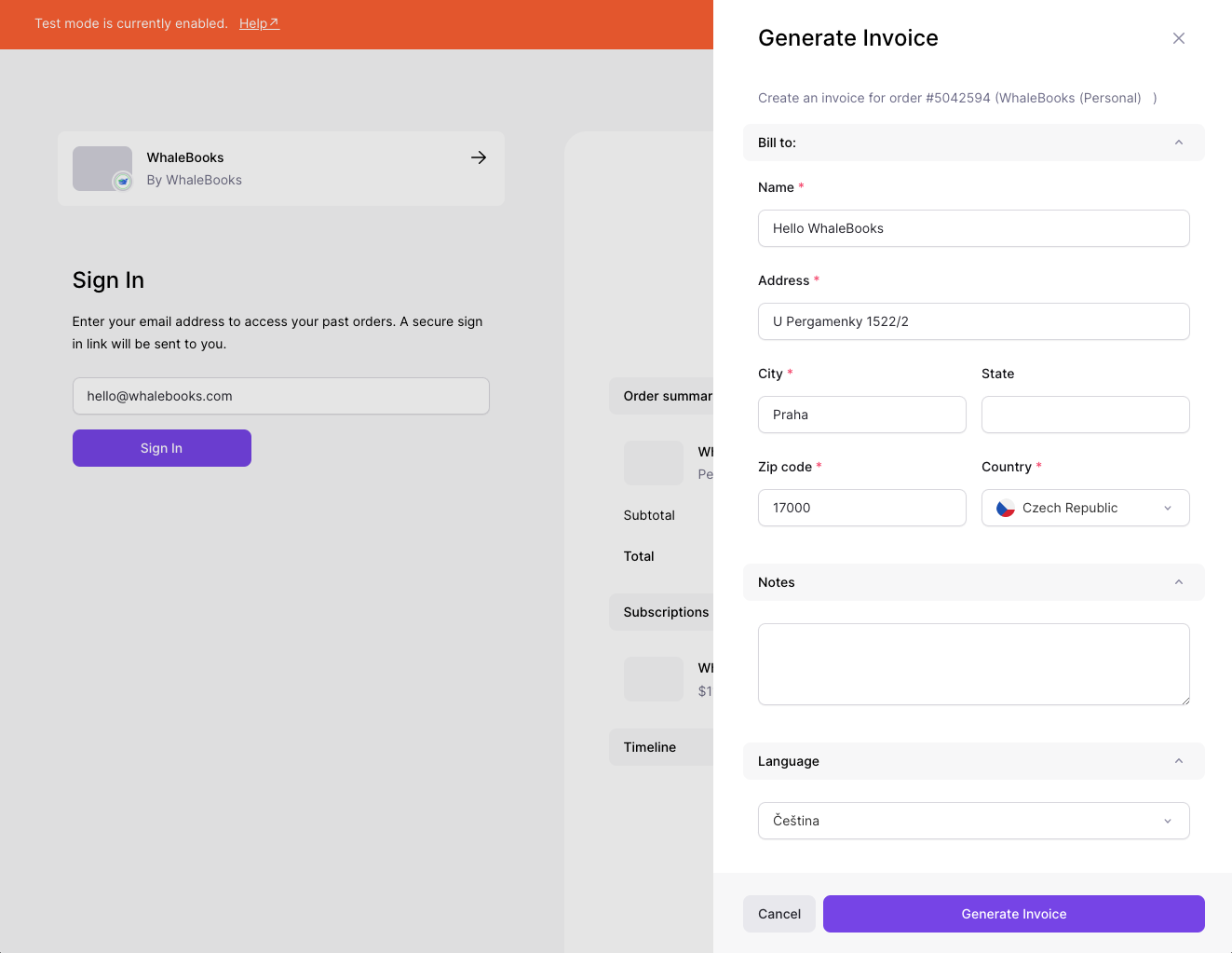
You will be redirected to the order detail in the Lemon Squeezy interface. You will be presented with the Generate Invoice window where you can fill in the required billing information. In the Notes field, enter any other required information such as your ID number, tax ID number, etc. Once you have everything ready, click on the Generate Invoice button.
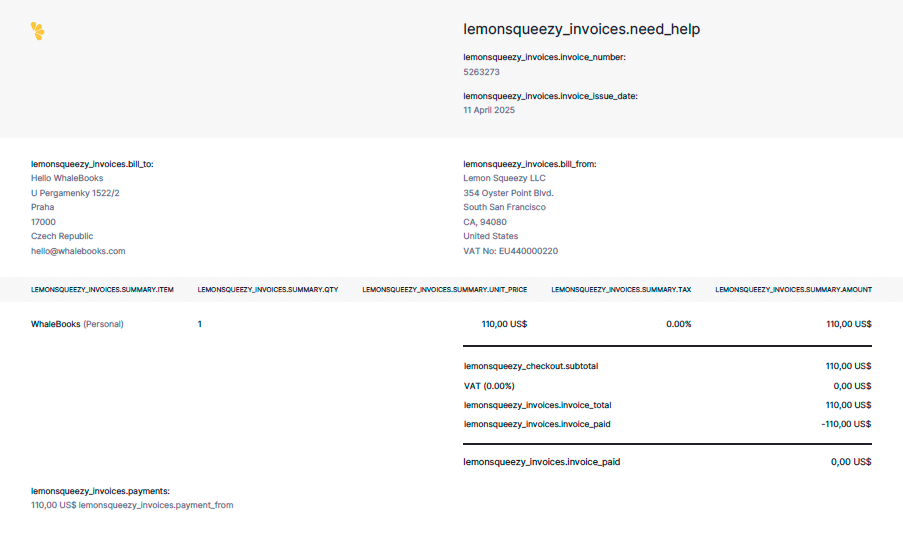
After a short while, a PDF with the tax document will be generated. The document contains filled in billing information as a customer. The supplier's billing information is Lemon Squeezy LLC, as the operator of the Lemon Squeezy service that manages the subscription. The document may also include a statement of the tax location.
If you need access to our order history and management, you can enter your email associated with Lemon Squeezy and WhaleBooks on the same page.
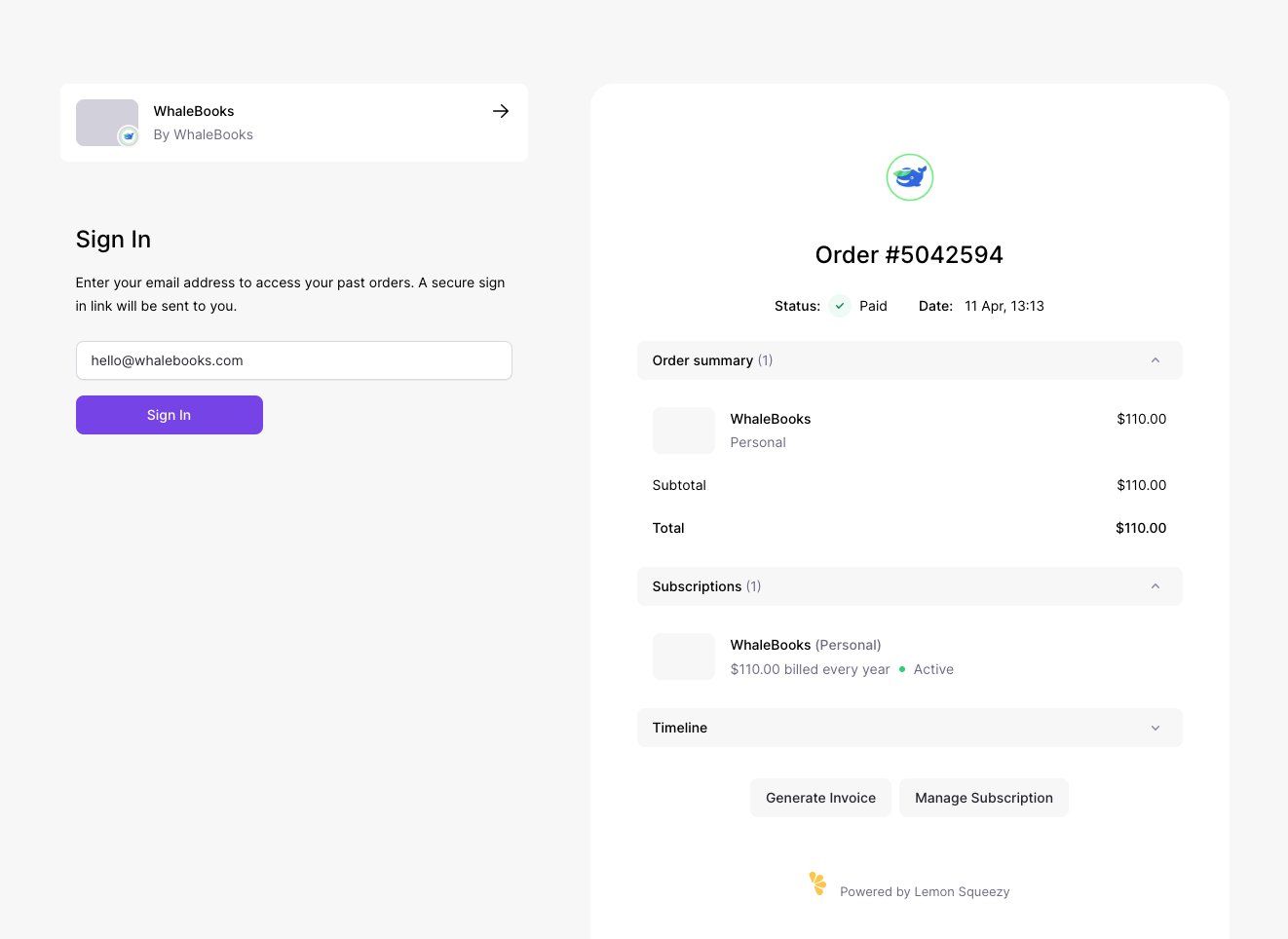
A magic link will be sent to your email and will authorize you to access your orders for 60 minutes.
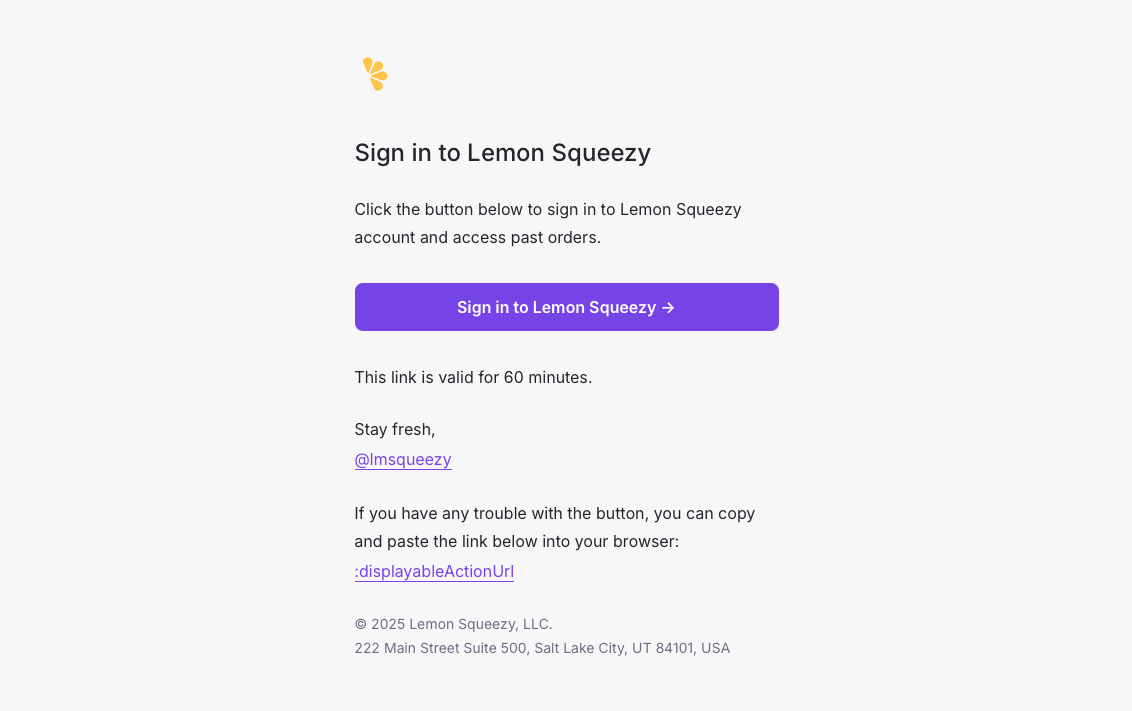
You can manage your order history then.