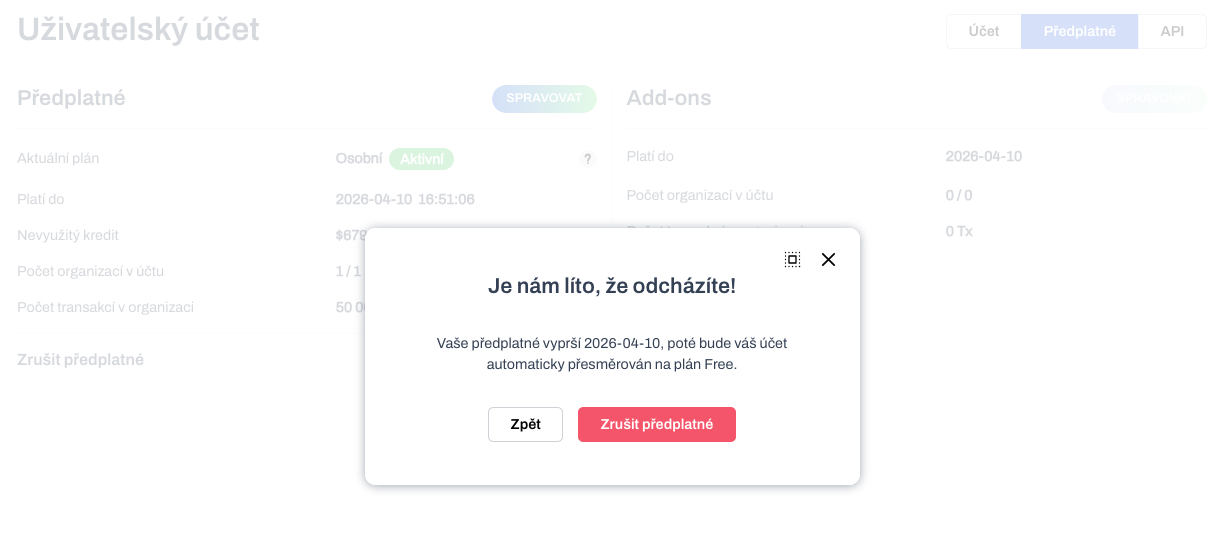
During the active period of the purchased plan, the user can decide to terminate his/her subscription at any time. To terminate a subscription means to let the current plan expire. Subsequently, the plan for the following period will no longer be automatically purchased. The current plan will automatically switch to the Free plan when it expires.
For any changes with pricing plans, always start from the Account settings tab Subscriptions in the app interface. This is where you will find all available information about your current plan status.
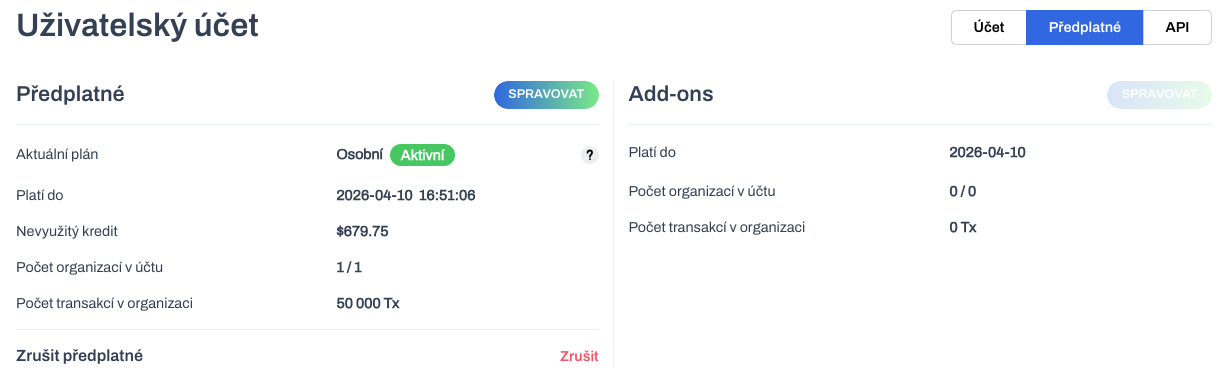
To start the cancellation process, click the Cancel button.
Attention! Unused credit beyond the cancelled price plan will be forfeited! For example, credit beyond the current price plan that has been released in the past after downgrading from a higher plan. In the example above, the value of approximately $570 will be forfeited ($680 unused credit - $110 value of the Personal plan).
Cancellation of the subscription must be confirmed afterwards.
After cancellation, it can be seen that unused credit beyond the remaining period of the current plan has been debited.
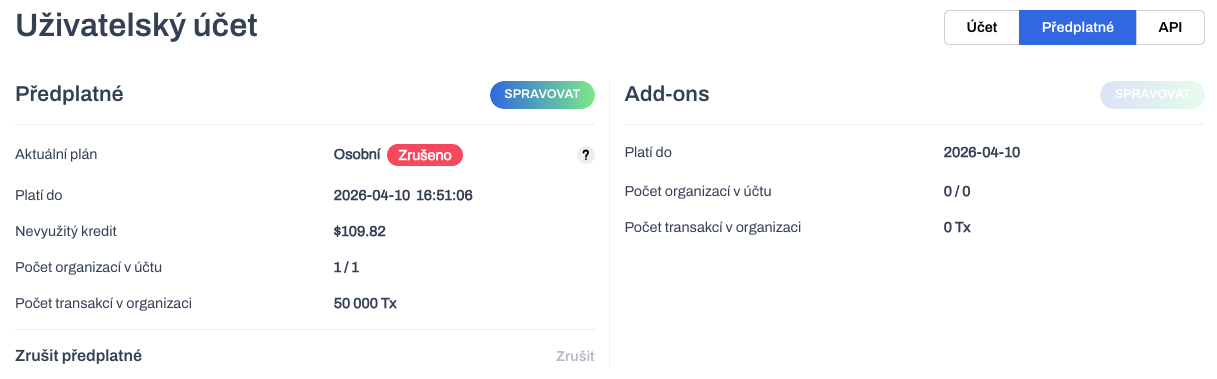
The current plan in a Cancelled status will continue until it expires. It will then be automatically switched to the Free plan.
Currently, a cancelled plan cannot be switched to the Active state. This is only possible via the external service Lemon Squeezy. This option will soon be added to the WhaleBooks interface as well.
You can currently Upgrade or Downgrade a cancelled plan. This will reactivate your subscription. With the introduction of activating a cancelled plan, this option will be removed.
Account cancellation
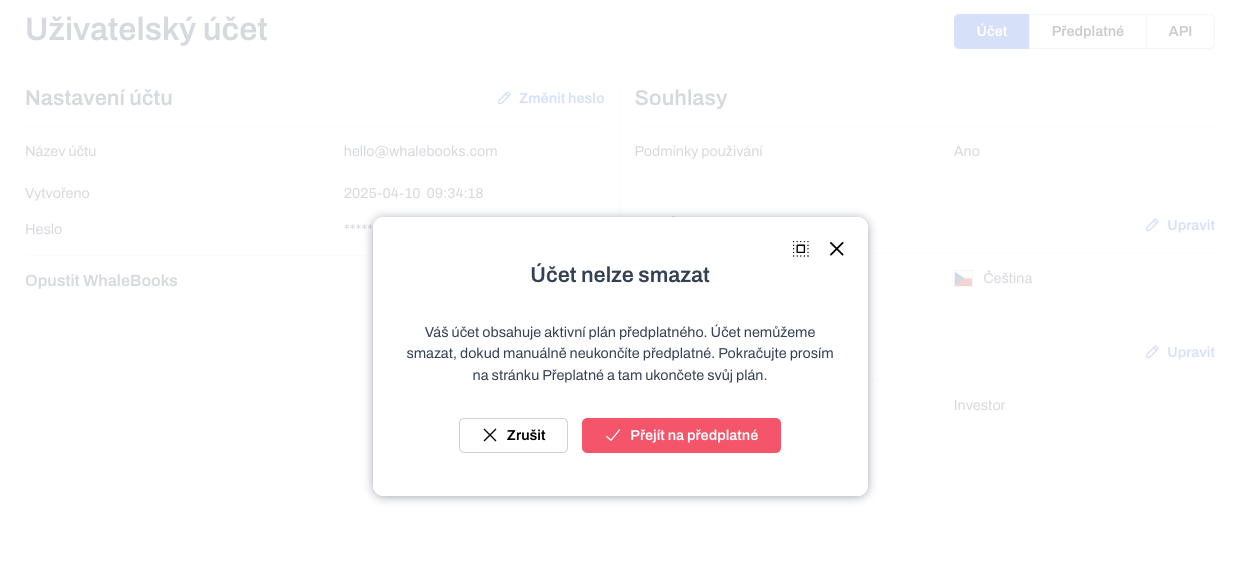
In case you decide to leave WhaleBooks completely, i.e. delete your account, you must first terminate your active subscription. The action to delete your account can be found in the Account settings under the Leave WhaleBooks link.
In the dialog you will be notified that you cannot delete your account until you terminate your active subscription. The Go to subscriptions button will redirect you to the Subscriptions page. There you can cancel it. You will then be able to delete your account.