

During the active period of a purchased plan, you can Upgrade and Downgrade between paid plans from the WhaleBooks interface.
To switch to the Free plan, you must terminate your subscription and let it expire first. Only then will you automatically switch to the Free plan.
Credit beyond the current plan will be lost, for example from a previous downgrade.
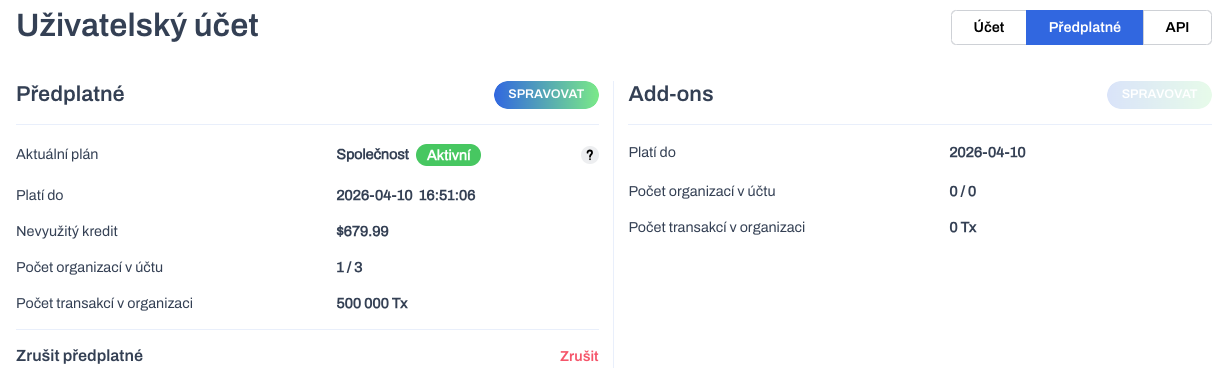
For any changes with pricing plans, always navigate to the Subscriptions tab in the Account settings interface of the app. Here you will find all available information about your current plan status.
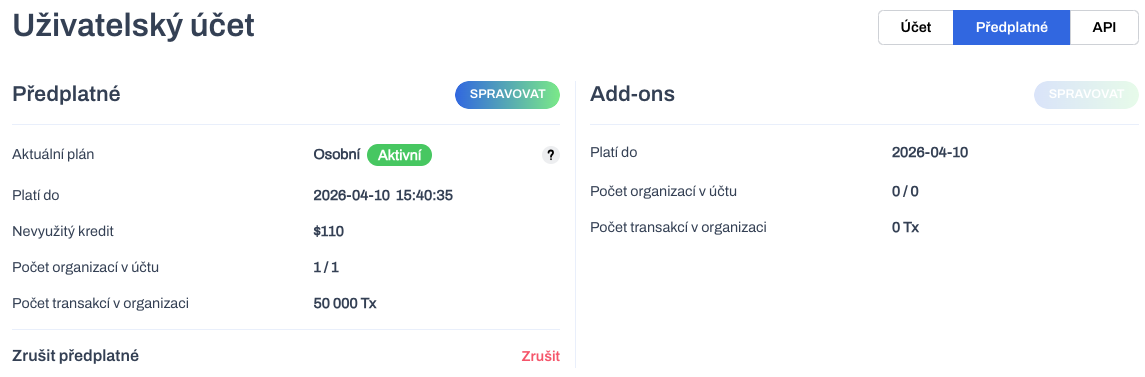
The Unused Credit information is important for any future plan change. This is the relative value of the pricing plan at the end of the plan period.
The Unused Credit value will be included in the calculation of the surcharge or overpayment in the following steps. Please note that the amount of credit shown is approximate. The exact value is recorded by the Lemon Squeezy application, which is used externally for subscription management. In the future, we plan to display the exact value in your profile.
Click Manage to go to the price plan selection where you can see your active price plan.
Upgrade plan
Suppose you are no longer satisfied with the Personal Plan and need to get the accounting report function from the Company Plan. So, by selecting a higher plan, you start the upgrade process.
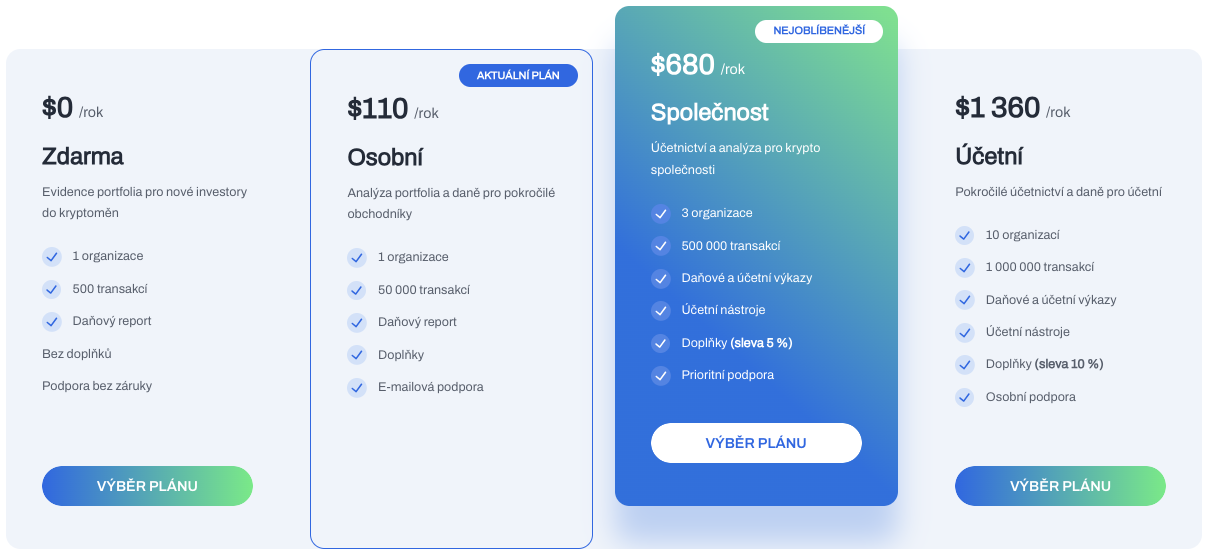
In the plan settings, you can see your active plan. Use the Choosing a Plan button to select the target plan for the upgrade.
The upgrade always respects the end of the period of the current plan. Therefore, the calculation of the upgrade price will be based on the time remaining on the current plan. The following period of the renewal plan will be full length (1 year).
The interface enters the configuration wizard.
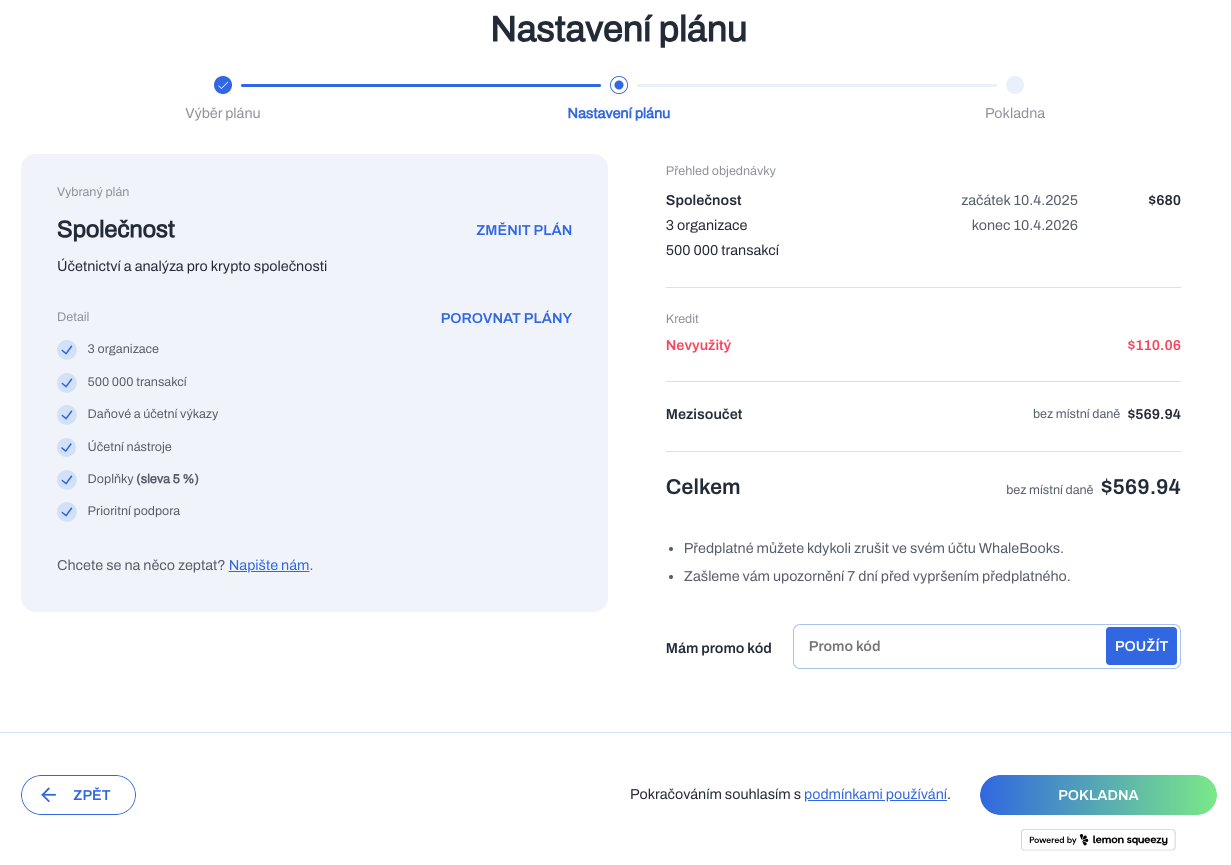
You can see the Unused credit item in the payment summary. This is the credit you have not used from the remaining period of the current plan. And it will be credited against the full upgrade price for the remaining period.
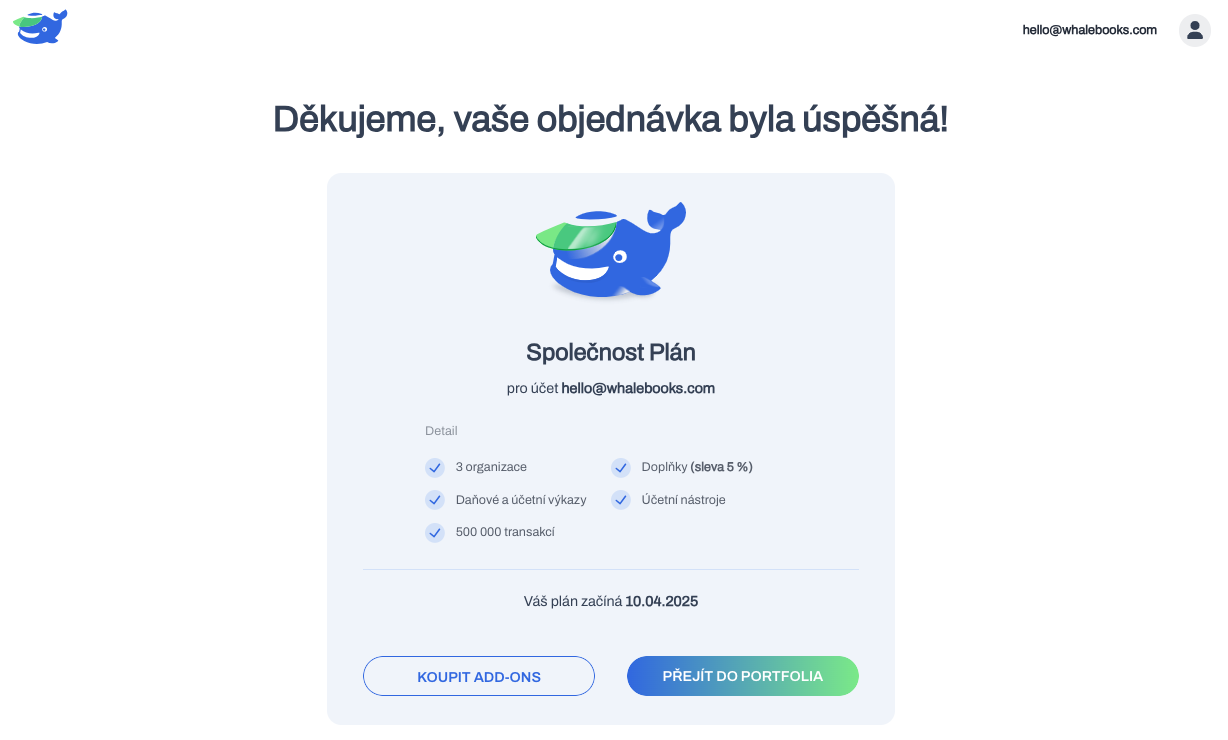
Confirming your order via the checkout button will automatically debit the background payment from your saved data without going to the Lemon Squeezy checkout. Upon successful completion of payment, the new plan will begin immediately.
The Trial period is no longer included in the upgrade. If you are upgrading from a plan in Trial status, the Trial status will be automatically terminated. Regardless of the remaining period.
Upgrading a plan that is in Trial status will result in two payments being charged. One payment is the price of the original plan, the second payment is the difference to upgrade to a higher version.
The user account displays the new plan in the Active state after the upgrade is complete. The Valid Until date remains the same as the previous plan. Only the value of the remaining credit has increased.
Downgrade plan
Suppose you are no longer satisfied with the Company plan and the tax report function of the Personal plan is sufficient. So, by selecting a lower plan, you start the downgrade process.
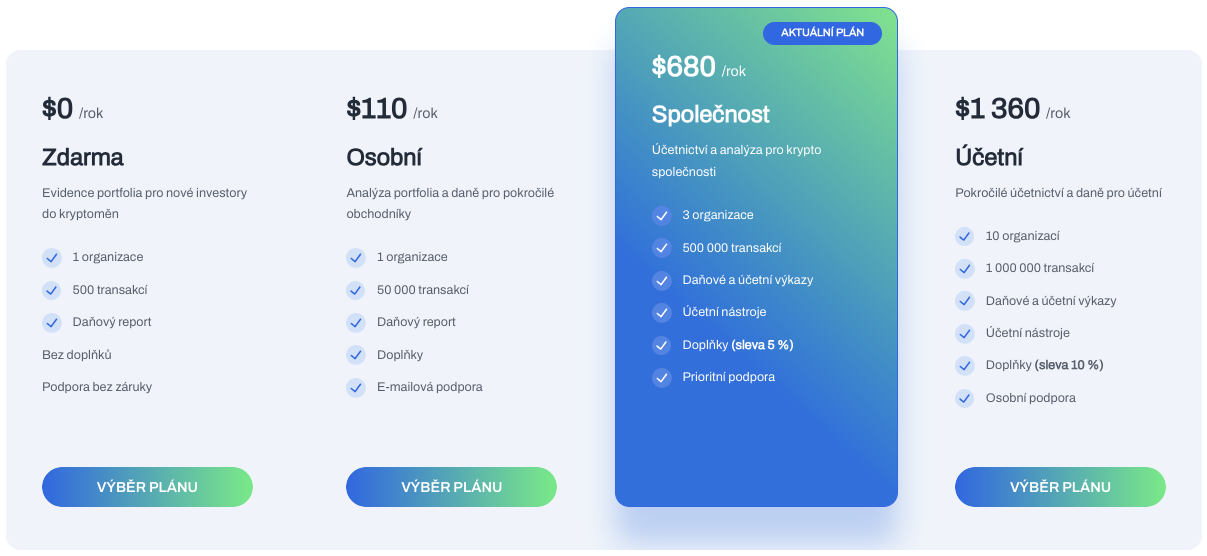
In the plan settings, you can see your active plan. Use the Choosing a Plan button to select the target plan for downgrade.
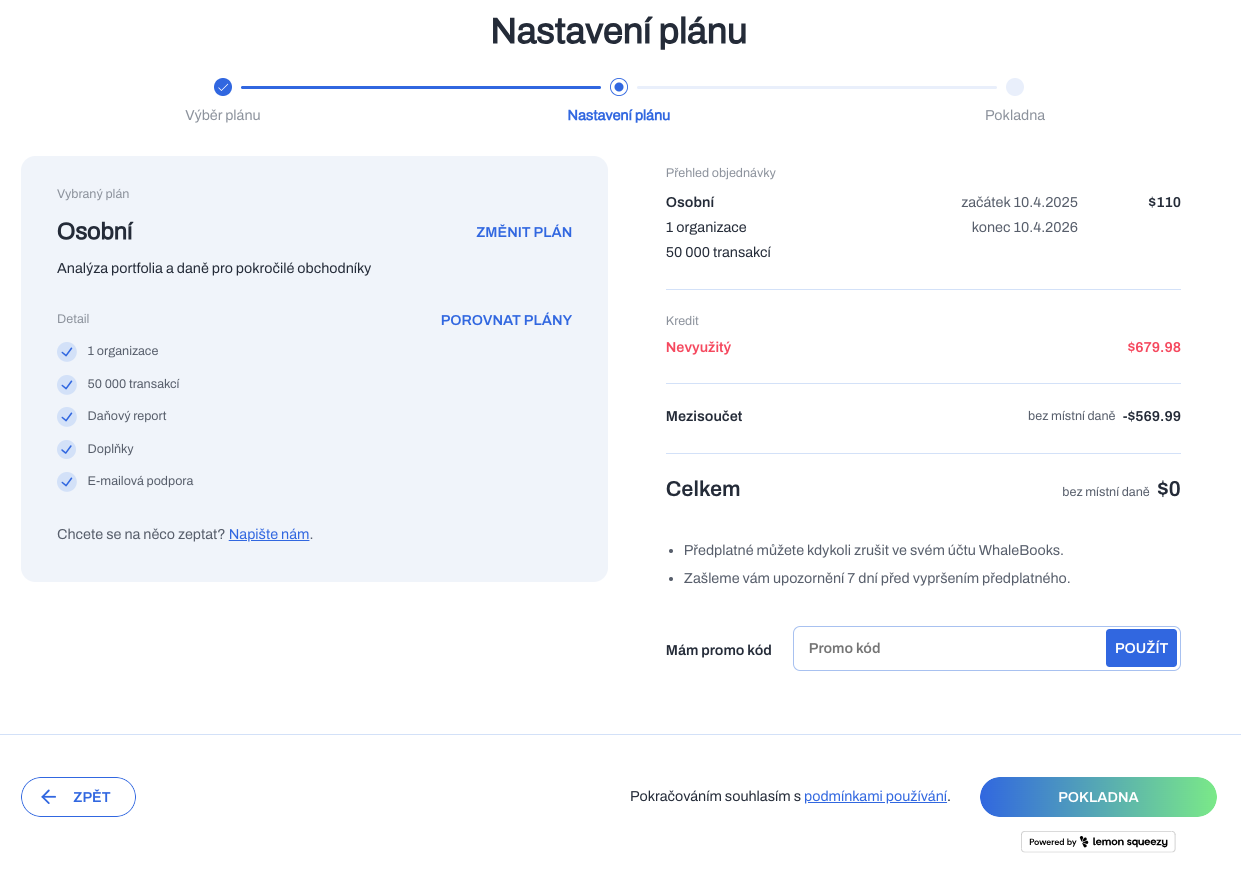
You can see the Unused credit item in the payment summary. This is the credit you have not used from the remaining period of the current plan. And it will be credited against the full upgrade price for the remaining period.
The subtotal is the difference between the unused credit and the plan price. The calculated negative value is taken as an overpayment, which will be part of the unused credit. The overpayment will be applied as a credit on future plan renewals.
A zero total price means that no payment is charged for the downgrade.
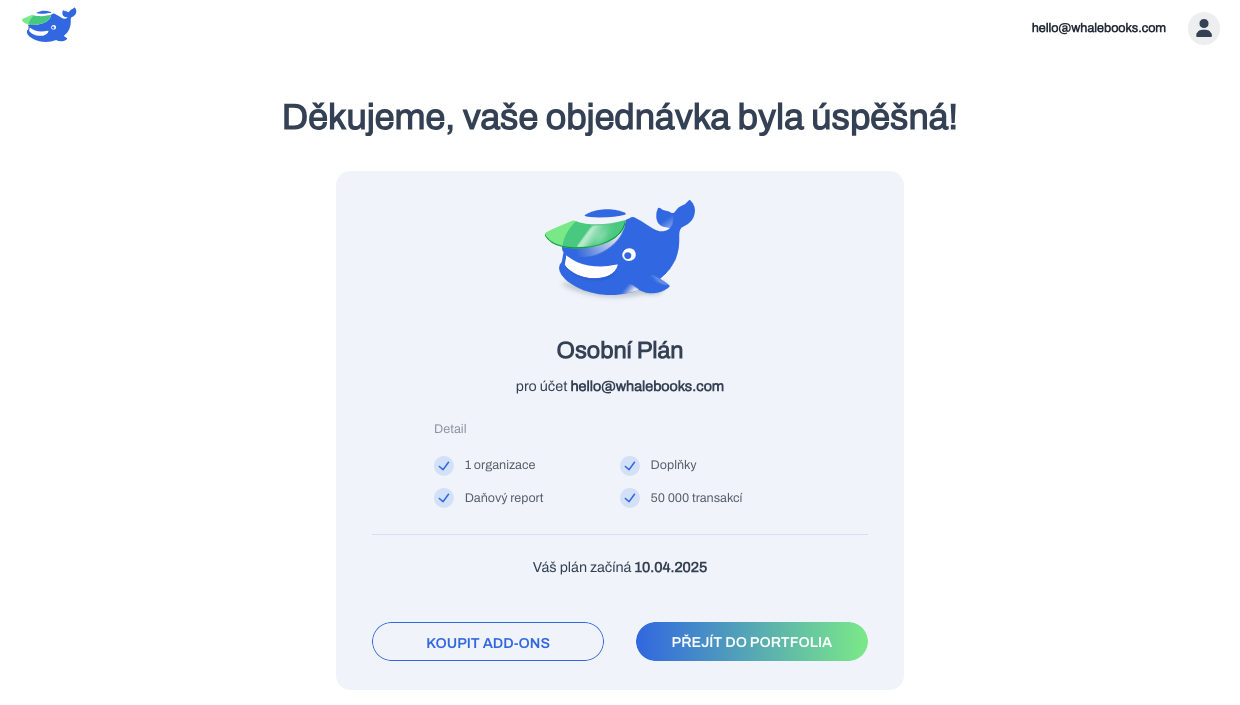
The downgrade will take place without payment. Automatically in the background without having to go to the Lemon Squeezy checkout. Upon successful completion of payment, the new plan will start immediately.
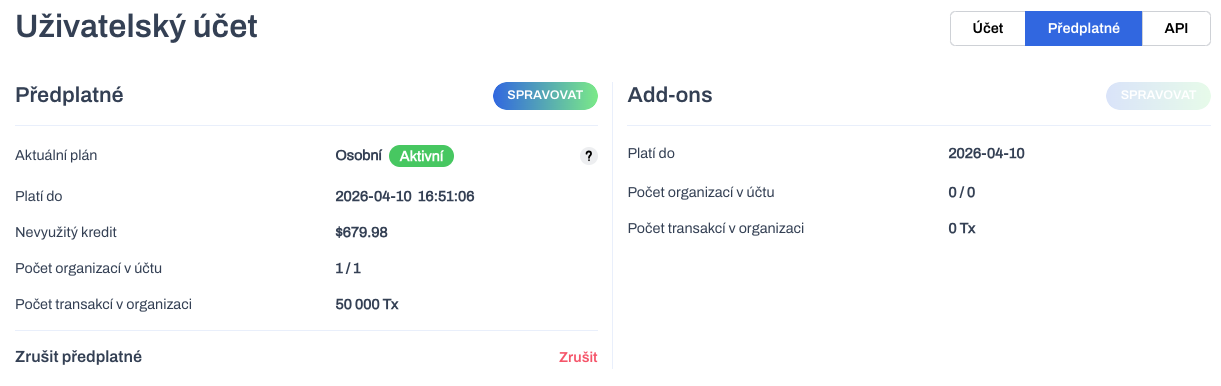
Unused credit includes funds from the downgraded plan. These will be applied to future renewals of the current plan.